Is the software for a Mold Heater Controller easy to use?
In the dynamic landscape of industrial manufacturing, the mold heater controller stands as a crucial component in ensuring the precision and efficiency of molding processes. At the heart of this technology lies its software, which acts as the brain, orchestrating various functions to maintain optimal temperature control. As a supplier of mold heater controllers, I am often asked about the user - friendliness of the software associated with these devices. In this blog, I will delve into the aspects that make mold heater controller software easy to use, along with some potential challenges and solutions.
The Design Philosophy Behind User - Friendly Software
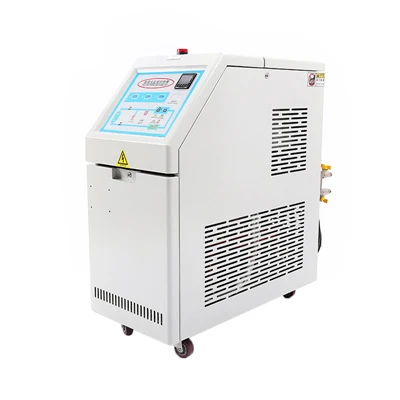
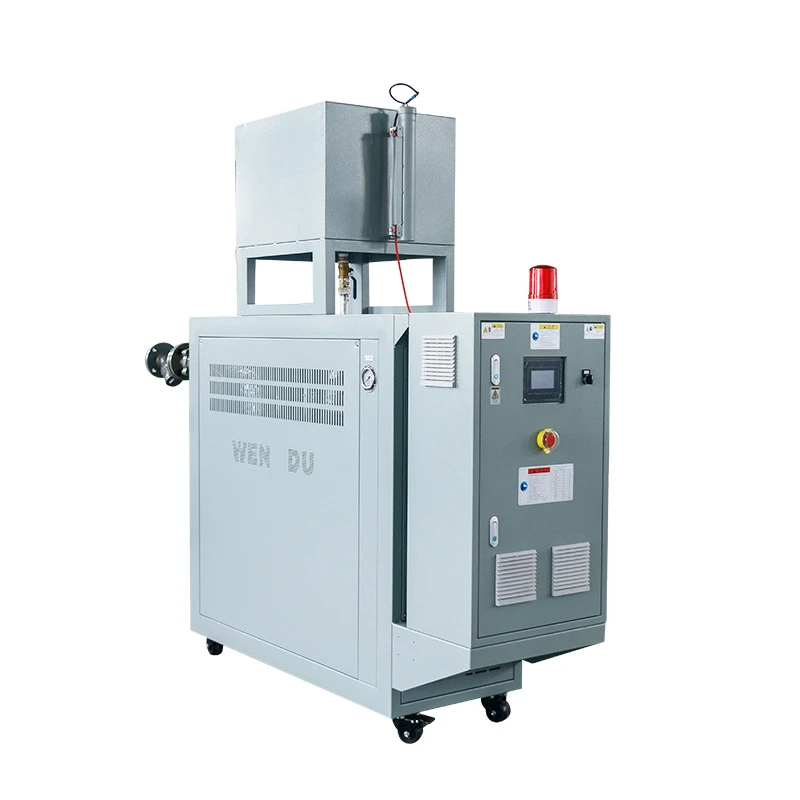
The software for a mold heater controller is designed with the end - user in mind. One of the primary objectives is to simplify complex operations so that even non - technical personnel can operate the system effectively. This is achieved through an intuitive graphical user interface (GUI). The GUI typically features large, clearly labeled buttons and icons, making it easy to navigate. For example, the main screen may display real - time temperature readings, setpoints, and status indicators in a straightforward manner. Users can quickly glance at the screen and understand the current state of the mold heater.
Another aspect of the design philosophy is modularity. The software is divided into different modules, each responsible for a specific function such as temperature control, alarm management, and data logging. This modular approach allows users to focus on the tasks they need to perform without being overwhelmed by unnecessary information. For instance, if a user only wants to adjust the temperature setpoint, they can easily access the temperature control module without having to sift through other functions.
Key Features That Enhance Ease of Use
1. Simple Configuration
The software enables users to configure the mold heater controller with minimal effort. They can set parameters such as temperature range, heating rate, and cooling rate. These settings can be adjusted using sliders or by entering numerical values directly. The software also provides default settings for common applications, which can be a great time - saver for new users. For example, if a user is working with a specific type of plastic molding, they can select the pre - configured settings for that material, and the software will automatically adjust the controller accordingly.
2. Real - Time Monitoring
Real - time monitoring is a vital feature that enhances the usability of the software. Users can monitor the temperature of the mold, the power consumption of the heater, and other important parameters in real - time. This allows them to detect any issues promptly and take corrective actions. The software may also provide visual cues, such as color - coded indicators, to alert users when a parameter is out of the normal range. For example, if the mold temperature exceeds the setpoint, the temperature indicator may turn red, indicating a potential problem.
3. Alarm System
The alarm system in the software is designed to be user - friendly. It can be configured to notify users when certain conditions are met, such as a temperature deviation or a power failure. The alarms can be set to trigger visual and auditory signals, ensuring that users are aware of the issue even if they are not directly in front of the controller. Additionally, the software provides detailed information about the alarm, including the time it occurred and the parameter that triggered it. This helps users to quickly diagnose and resolve the problem.

4. Data Logging and Analysis
Data logging is an important feature for quality control and process optimization. The software can record temperature data, power consumption, and other relevant information over time. Users can then analyze this data to identify trends, detect anomalies, and make informed decisions. The data can be exported in various formats, such as CSV or Excel, for further analysis. For example, a manufacturer may analyze the temperature data to determine if there are any fluctuations during the molding process that could affect the quality of the final product.
Potential Challenges and Solutions
1. Compatibility Issues
One potential challenge is compatibility with different operating systems and hardware. Some older systems may not be able to support the latest version of the software, or there may be issues with communication between the controller and the computer. To address this, our company provides technical support to help users resolve compatibility issues. We also ensure that our software is regularly updated to be compatible with a wide range of operating systems and hardware configurations.
2. Learning Curve
For new users, there may be a learning curve associated with using the software. However, we offer comprehensive training materials, including user manuals, video tutorials, and online support. Our training programs are designed to be easy to follow, even for those with limited technical knowledge. We also provide on - site training if necessary, to ensure that users are comfortable with the software and can operate the mold heater controller effectively.
Related Industrial Cooling Equipment
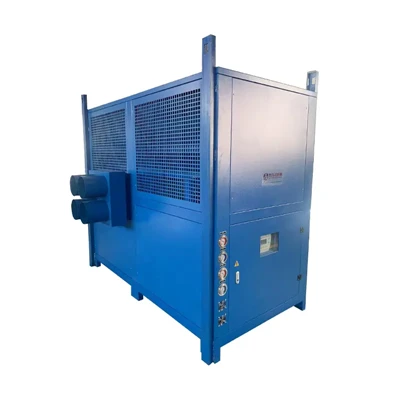
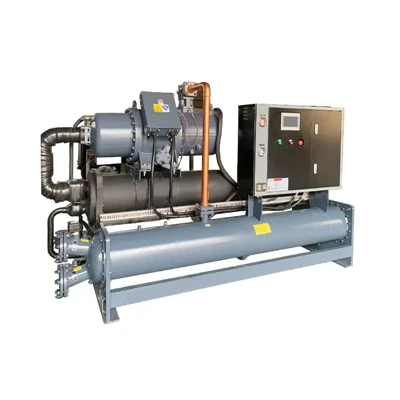
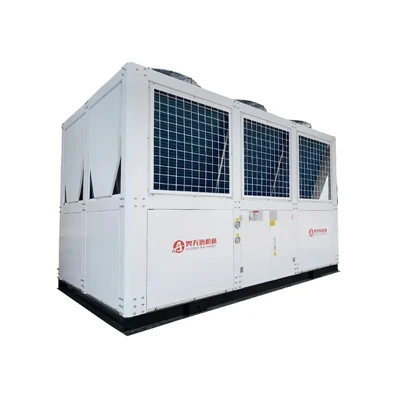
In addition to mold heater controllers, our company also offers a range of industrial cooling equipment. These include Hydraulic Oil Chiller Unit, Closed Cell Cooling Tower, Closed Type Cooling Tower, Water Mold Temperature Controller, and Mould Temperature Controller Oil. These products are designed to work in conjunction with mold heater controllers to provide a complete solution for temperature control in industrial processes.
Conclusion
In conclusion, the software for a mold heater controller is designed to be easy to use. Through an intuitive GUI, simple configuration, real - time monitoring, alarm systems, and data logging, users can operate the system effectively with minimal training. While there may be some challenges, such as compatibility issues and a learning curve, our company provides the necessary support and training to ensure that users can make the most of our products.
If you are interested in our mold heater controllers or any of our related industrial cooling equipment, we invite you to contact us for further information and to discuss your specific requirements. Our team of experts is ready to assist you in finding the best solution for your manufacturing processes.
References
- Smith, J. (2020). Industrial Temperature Control Systems. Publisher X.
- Johnson, A. (2019). User - Centered Design in Industrial Software. Journal of Industrial Technology, 15(2), 34 - 45.